
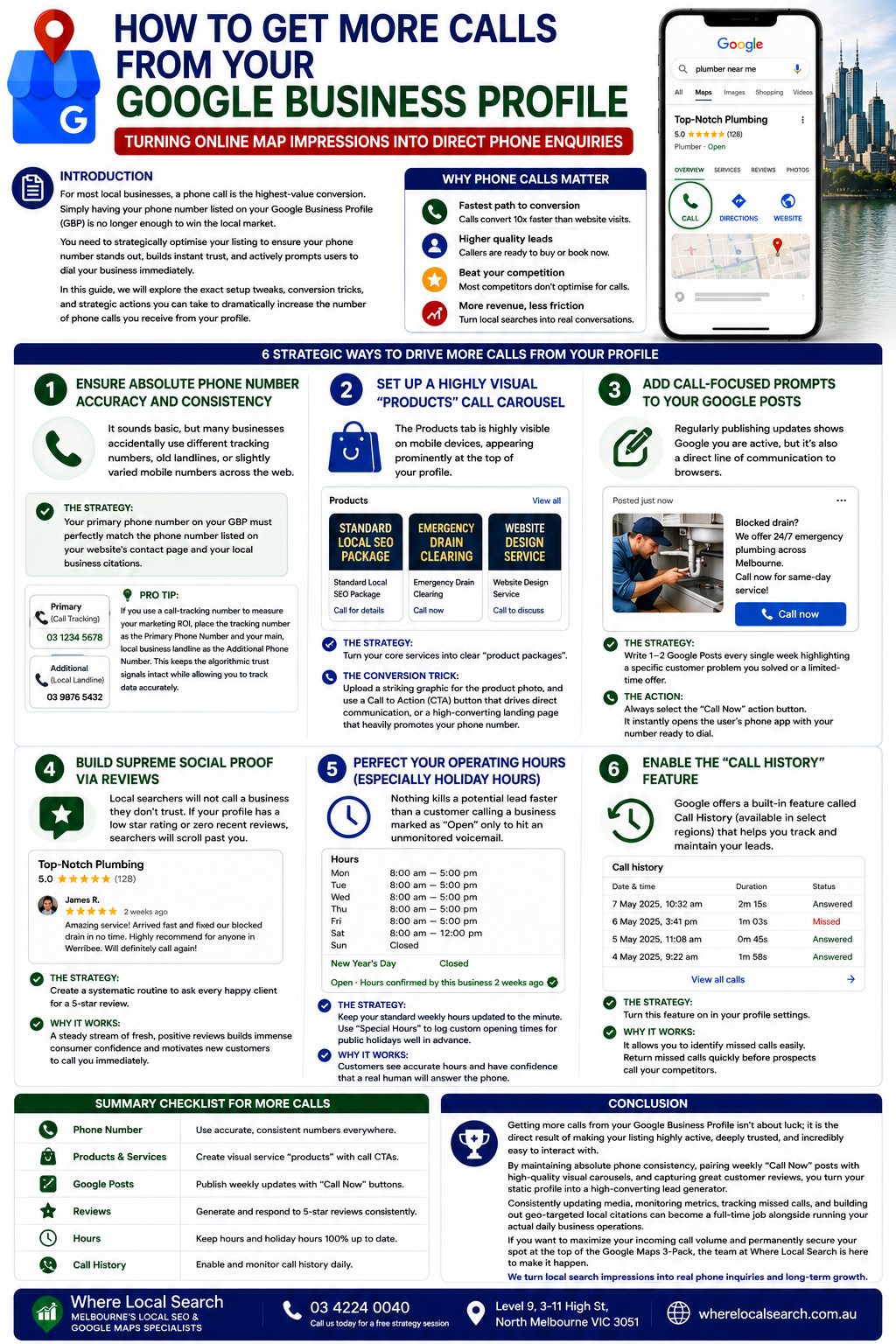
Turning Online Map Impressions into Direct Phone Enquiries
For most local businesses—whether you are a plumber responding to an emergency, a dentist booking a checkup, or a local service provider closing a deal—a phone call is the highest-value conversion. While driving traffic to your website is great, getting a potential customer to click that bright blue "Call" button directly from Google Search or Google Maps is the fastest way to grow your revenue.
Simply having your phone number listed on your Google Business Profile (GBP) is no longer enough to win the local market. You need to strategically optimise your listing to ensure your phone number stands out, builds instant trust, and actively prompts users to dial your business immediately.
In this guide, we will explore the exact setup tweaks, conversion tricks, and strategic actions you can take to dramatically increase the number of phone calls you receive from your profile.
6 Strategic Ways to Drive More Calls from Your Profile
1. Ensure Absolute Phone Number Accuracy and Consistency
It sounds basic, but many businesses accidentally use different tracking numbers, old landlines, or slightly varied mobile numbers across the web.
The Strategy: Your primary phone number on your GBP must perfectly match the phone number listed on your website's contact page and your local business citations.
💡 Pro Tip: If you use a call-tracking number to measure your marketing ROI, place the tracking number as the Primary Phone Number and your main, local business landline as the Additional Phone Number. This keeps algorithmic trust signals intact while allowing accurate tracking.
2. Set Up a Highly Visual "Products" Call Carousel
The Products tab is highly visible on mobile devices, appearing prominently near the top of your profile layout. You can leverage this advantage even if you are a service-based business.
The Strategy: Turn your core services into distinct "product packages" (e.g., "Standard Local SEO Package" or "Emergency Drain Clearing").
💡 The Conversion Trick: Upload a striking graphic for each product photo. When configuring the Call to Action (CTA) button, select a layout that prompts direct communication, or point to a landing page heavily highlighting your phone number.
3. Add Call-Focused Prompts to Your Google Posts
Regularly publishing updates shows Google that you are active while establishing a direct line of communication with local browsers.
The Strategy: Write 1–2 Google Posts every single week highlighting a specific customer problem you solved or a limited-time service offer.
💡 The Action: Always select the "Call Now" action button for these posts. When a mobile user clicks it, their phone dialer launches immediately with your number ready to call.
4. Build Supreme Social Proof via Reviews
Local searchers will not call a business they don't trust. If your profile has a low rating or no recent feedback, users will quickly scroll past to dial a competitor.
The Strategy: Create a systematic routine to ask every satisfied customer for a 5-star review.
💡 Why it works: A consistent stream of fresh reviews builds immense consumer confidence. When browsers see local customers praising your rapid response times, they feel comfortable calling immediately.
5. Perfect Your Operating Hours (Especially Holiday Hours)
Nothing kills a potential lead faster than a customer calling a business marked as "Open" only to hit an unmonitored voicemail because the store is closed for a holiday.
The Strategy: Keep standard weekly hours updated to the minute, and use the "Special Hours" feature to schedule custom holiday opening times in advance.
💡 Why it works: A green "Open - Hours confirmed by business" badge reassures customers that a live team member is available to answer their call.
6. Enable the "Call History" Feature
Google provides a built-in Call History tool in eligible regions to help you monitor and retain inbound leads.
The Strategy: Enable Call History in your GBP dashboard settings to maintain a dedicated log of all calls originating from Search and Maps.
💡 Why it works: It makes identifying missed calls effortless. Checking this log daily lets you return missed inquiries before potential clients turn to competitors.
Conclusion
Getting more calls from your Google Business Profile isn't about luck; it is the direct result of making your listing highly active, deeply trusted, and incredibly easy to interact with. By maintaining absolute phone consistency, pairing weekly "Call Now" posts with high-quality visual carousels, and capturing great customer reviews, you turn your static profile into a high-converting lead generator.
Consistently updating media, monitoring metrics, tracking missed calls, and building out geo-targeted local citations can become a full-time job alongside running your actual daily business operations.
If you want to maximize your incoming call volume and permanently secure your spot at the top of the Google Maps 3-Pack, the team at Where Local Search is here to make it happen. As specialists in Australian Local SEO and Google Maps optimization, we strategically build your online asset so that local search impressions turn directly into real phone inquiries and long-term business growth.