
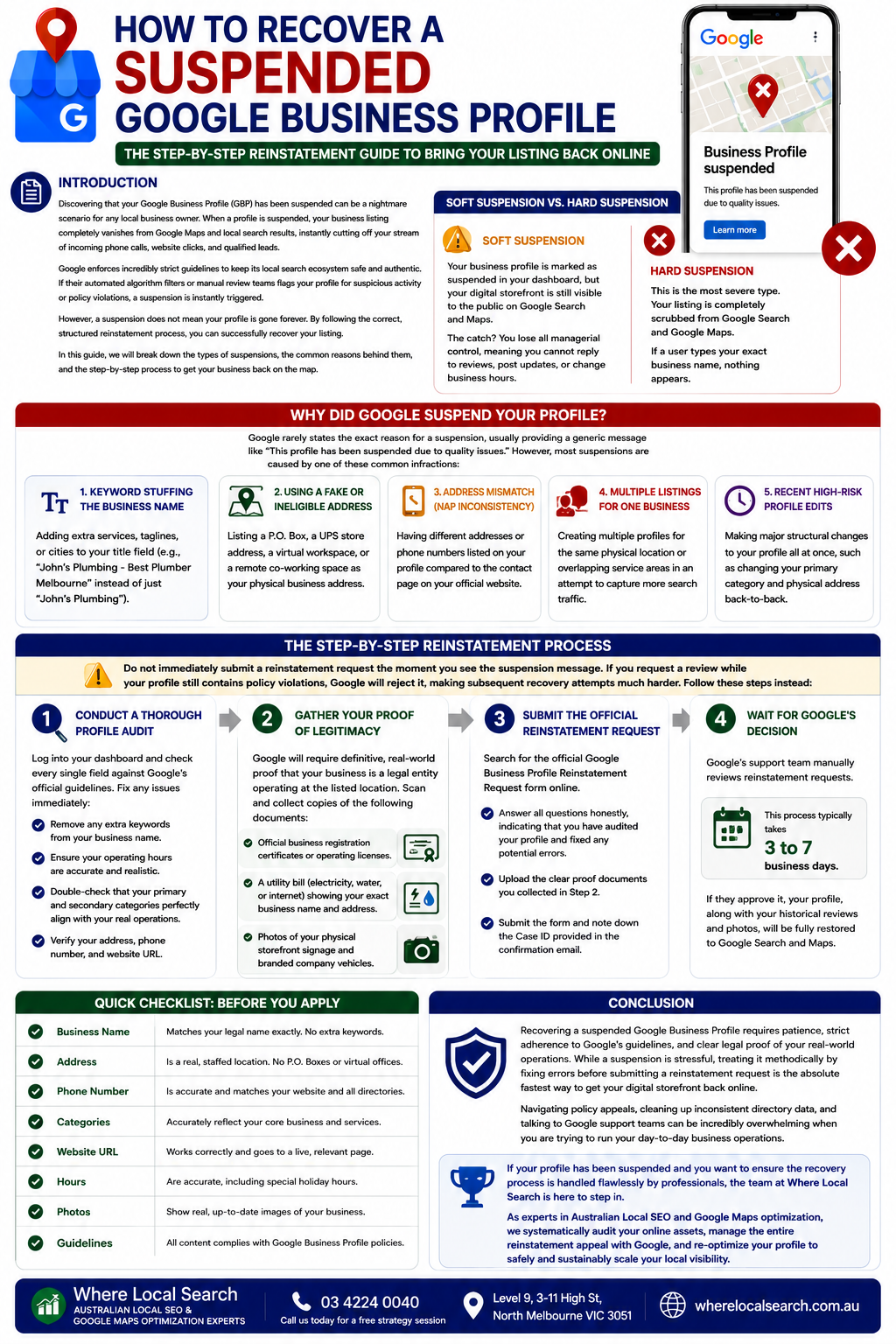
The Step-by-Step Reinstatement Guide to Bring Your Listing Back Online
Discovering that your Google Business Profile (GBP) has been suspended can be a nightmare scenario for any local business owner. When a profile is suspended, your business listing completely vanishes from Google Maps and local search results, instantly cutting off your stream of incoming phone calls, website clicks, and qualified leads.
Google enforces incredibly strict guidelines to keep its local search ecosystem safe and authentic. If their automated algorithm filters or manual review teams flags your profile for suspicious activity or policy violations, a suspension is instantly triggered.
However, a suspension does not mean your profile is gone forever. By following the correct, structured reinstatement process, you can successfully recover your listing. In this guide, we will break down the types of suspensions, the common reasons behind them, and the step-by-step process to get your business back on the map.
Soft Suspension vs. Hard Suspension
Before you take any action, you need to log into your GBP dashboard to identify what type of suspension you are facing:
Your business profile is marked as suspended in your dashboard, but your digital storefront is still visible to the public on Google Search and Maps. The catch? You lose all managerial control, meaning you cannot reply to reviews, post updates, or change business hours.
This is the most severe type. Your listing is completely scrubbed from Google Search and Google Maps. If a user types your exact business name, nothing appears.
Why Did Google Suspend Your Profile?
Google rarely states the exact reason for a suspension, usually providing a generic message like "This profile has been suspended due to quality issues." However, most suspensions are caused by one of these common infractions:
Adding extra services, taglines, or cities to your title field (e.g., "John's Plumbing - Best Plumber Melbourne" instead of just "John's Plumbing").
Listing a P.O. Box, a UPS store address, a virtual workspace, or a remote co-working space as your physical business address.
Having different addresses or phone numbers listed on your profile compared to the contact page on your official website.
Creating multiple profiles for the same physical location or overlapping service areas in an attempt to capture more search traffic.
Making major structural changes to your profile all at once, such as changing your primary category and physical address back-to-back. This immediately triggers fraud alerts in Google's automated systems.
The Step-by-Step Reinstatement Process
Do not immediately submit a reinstatement request the moment you see the suspension message. If you request a review while your profile still contains policy violations, Google will reject it, making subsequent recovery attempts much harder. Follow these steps instead:
Step 1: Conduct a Thorough Profile Audit
Log into your dashboard and check every single field against Google's official guidelines. Fix any issues immediately:
- Remove any extra keywords from your business name.
- Ensure your operating hours are accurate and realistic.
- Double-check that your primary and secondary categories perfectly align with your real operations.
Step 2: Gather Your Proof of Legitimacy
Google will require definitive, real-world proof that your business is a legal entity operating at the listed location. Scan and collect copies of the following documents:
- Official business registration certificates or operating licenses.
- A utility bill (electricity, water, or internet) showing your exact business name and address.
- Photos of your physical storefront signage and branded company vehicles.
Step 3: Submit the Official Reinstatement Request
- Search for the official Google Business Profile Reinstatement Request form online.
- Answer all questions honestly, indicating that you have audited your profile and fixed any potential errors.
- Upload the clear proof documents you collected in Step 2.
- Submit the form and note down the Case ID provided in the confirmation email.
Step 4: Wait for Google's Decision
Google’s support team manually reviews reinstatement requests. This process typically takes 3 to 7 business days. If they approve it, your profile, along with your historical reviews and photos, will be fully restored to Google Search and Maps.
Conclusion
Recovering a suspended Google Business Profile requires patience, strict adherence to Google's guidelines, and clear legal proof of your real-world operations. While a suspension is stressful, treating it methodically by fixing errors before submitting a reinstatement request is the absolute fastest way to get your digital storefront back online.
Navigating policy appeals, cleaning up inconsistent directory data, and talking to Google support teams can be incredibly overwhelming when you are trying to run your day-to-day business operations.
If your profile has been suspended and you want to ensure the recovery process is handled flawlessly by professionals, the team at Where Local Search is here to step in. As experts in Australian Local SEO and Google Maps optimization, we systematically audit your online assets, manage the entire reinstatement appeal with Google, and re-optimize your profile to safely and sustainably scale your local visibility.