
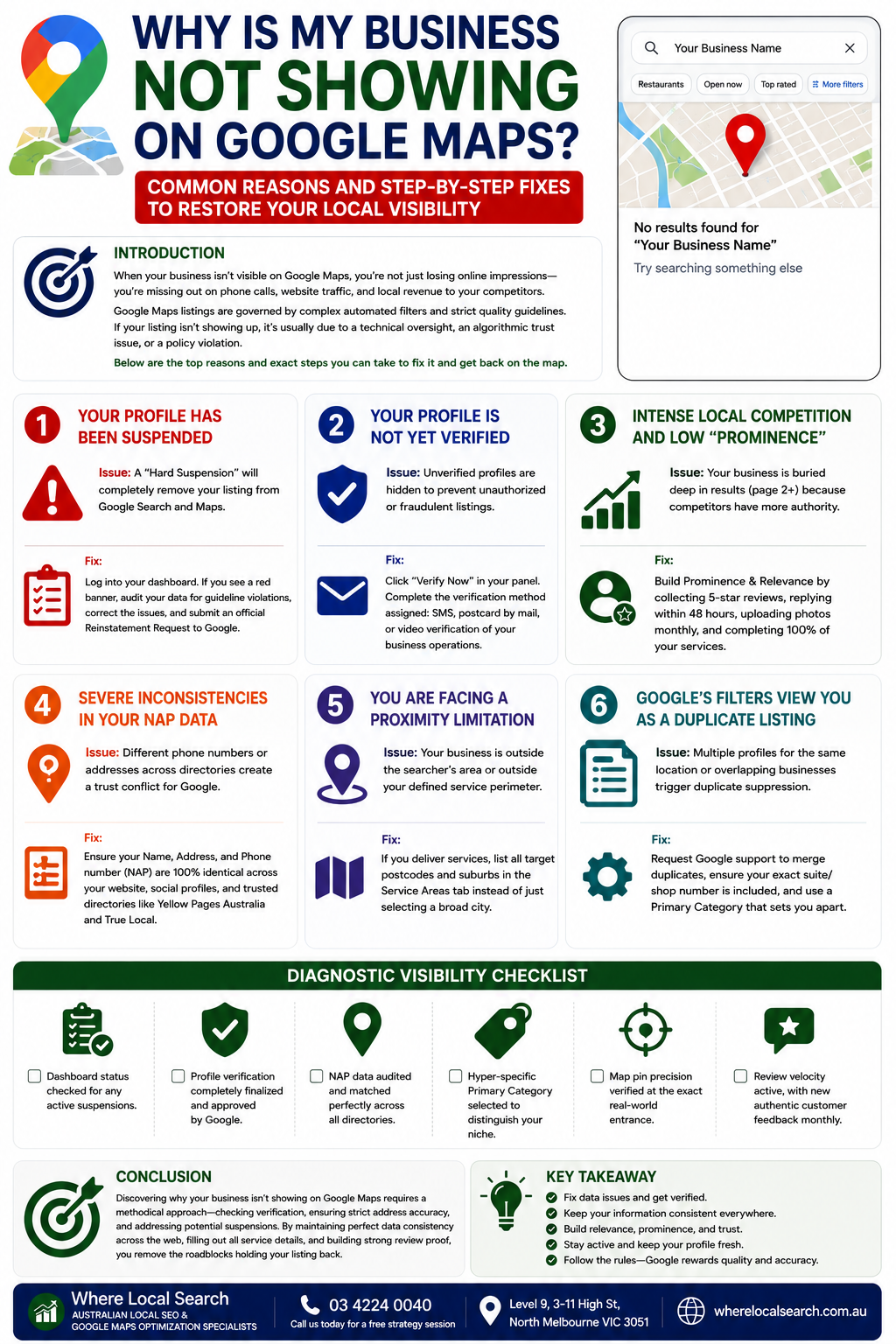
Common Reasons and Step-by-Step Fixes to Restore Your Local Visibility
One of the most frustrating experiences for any local business owner is opening Google Maps, typing in their business name, and seeing absolutely nothing. When your digital storefront isn't visible on the map, you aren't just losing online impressions—you are actively missing out on direct phone calls, website traffic, and local revenue to your competitors who are visible.
Google Maps rankings and listings are governed by complex automated filters designed to keep the search ecosystem safe, relevant, and accurate. If your listing isn't showing up, it is usually due to a specific technical oversight, an algorithmic trust issue, or a violation of Google's strict quality guidelines.
In this guide, we will explore the top reasons why your business isn't showing on Google Maps and outline the exact steps you can take to fix it and restore your visibility.
The Top 6 Reasons Your Business Isn't on the Map
1. Your Profile Has Been Suspended
This is the most critical and common roadblock. Google frequently issues suspensions if their automated systems or manual review teams flag your account for suspicious activity or data quality issues.
⚠️ The Issue: A "Hard Suspension" will completely scrub your listing from Google Search and Maps, making it invisible to the public.
💡 The Fix: Log into your profile dashboard. If you see a prominent red banner stating your profile is suspended, you must conduct a thorough data audit, fix any guidelines violations, and submit an official Reinstatement Request to Google.
2. Your Profile Is Not Yet Verified
Google will not display your business listing to the public until you have successfully completed their official verification process.
⚠️ The Issue: Unverified profiles are kept hidden inside your management panel to prevent unauthorized or fraudulent listings from cluttering search feeds.
💡 The Fix: Click the "Verify Now" banner on your merchant panel. Complete the method Google assigns to you—whether that is an automated SMS text, a physical postcard by mail, or a modern recorded video walkthrough of your operational tools and premises.
3. Intense Local Competition and Low "Prominence"
Sometimes, your business is actually on the map, but it is buried so deep on page two or three that it appears invisible.
⚠️ The Issue: Google’s Local Pack only displays the top 3 businesses for a given search query. If your competitors have substantially more authority, your profile gets pushed out of view.
💡 The Fix: You need to scale your Prominence and Relevance ranking factors. Establish a consistent routine to collect 5-star customer reviews, respond to all feedback within 48 hours, upload authentic smartphone photos monthly, and complete 100% of your service descriptions.
4. Severe Inconsistencies in Your NAP Data
Google requires definitive proof that your business is a stable, legal entity before giving you search visibility.
⚠️ The Issue: Having one phone number or address listed on your Google profile, a slightly different variation on your website contact page, and outdated details on old directories creates a major trust conflict for Google's algorithm.
💡 The Fix: Conduct a comprehensive cleanup. Ensure your Name, Address, and Phone number (NAP) details are 100% identical across your website, social networks, and trusted national business directories like Yellow Pages Australia and True Local.
5. You Are Facing a Proximity Limitation (Distance)
Google heavily prioritizes proximity when serving local search results, especially for mobile users seeking quick, real-time answers.
⚠️ The Issue: If your physical storefront is located on the outer edge of a town, or if you are searching for your service-area business from a location far outside your designated service perimeter, your pin will not register for that specific search area.
💡 The Fix: If you deliver services directly to clients, make sure you have explicitly logged all target postcodes and individual suburbs within your Service Areas tab, rather than just targeting a massive, broad city area.
6. Google's Search Filters View You as a Duplicate Listing
If you have created multiple profiles for the same physical location, or if you share an office building with another business in the exact same industry category without clear suite numbers, Google's algorithm may filter you out.
⚠️ The Issue: The algorithm actively suppresses duplicate or heavily overlapping data to keep search results diverse and clean for users.
💡 The Fix: Contact Google support to merge any accidental duplicate profiles, ensure your address includes your precise suite or shop number, and make sure your Primary Category sets you apart.
Diagnostic Visibility Checklist
☑ Dashboard status checked for any active suspensions.
☑ Profile verification completely finalized and approved by Google.
☑ NAP data audited and matched perfectly across all online directory links.
☑ Hyper-specific Primary Category selected to distinguish your niche.
☑ Map pin precision verified at the exact real-world entrance.
☑ Review velocity active, with new authentic customer feedback landing monthly.
Conclusion
Discovering why your business isn't showing on Google Maps requires a methodical approach—checking for verification issues, ensuring strict address accuracy, and addressing potential suspension alerts. By maintaining perfect data consistency across the web, filling out all custom service descriptions, and building clear review proof, you remove the roadblocks holding your listing back.
Diagnosing complex map filtration loops, cleaning up months of conflicting citation data, managing verification video demands, and tracking localized ranking shifts requires dedicated technical execution beside running your company day-to-day.
If your business isn't appearing on the map and you want to ensure your local visibility is restored and scaled flawlessly by experts, the team at Where Local Search is here to take over the heavy lifting. As specialists in Australian Local SEO and Google Maps optimization, we systematically audit your footprint, fix data errors, resolve suspensions, and securely rank your storefront in the Local Pack to turn search impressions into steady revenue.